
ESKUTE T300 Display Guide: Buttons, Error Codes and Settings
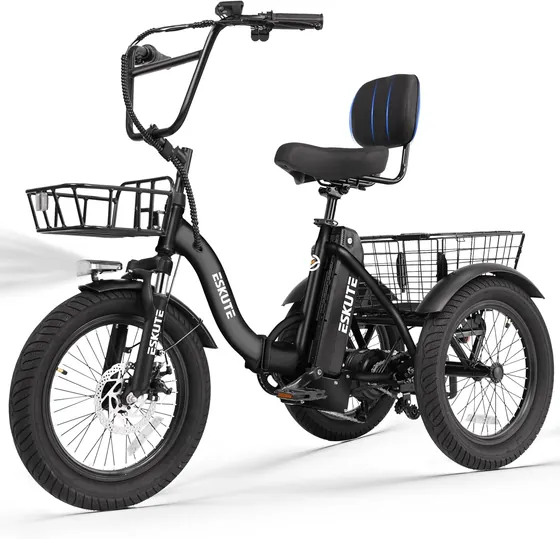
Folding three-wheeler with basket and rack
Check stockTemporarily unavailable
The left-mounted LCD on the ESKUTE T300 Folding Electric Trike has just three buttons, but each one does two or three jobs depending on whether you press or hold it. When something goes wrong, the screen shows a code instead of a message. This guide pulls together the display section of ESKUTE's T300 manual so you can read the screen at a glance.
The three buttons
| Button | Press | Hold |
|---|---|---|
| Power | Cycle the lower readout: ODO, TRIP, VOL, TIME | Turn the display on or off |
| + | Raise the assist level | Turn the headlight on or off |
| − | Lower the assist level | Push-walk mode (under 6 km/h) while held |
Holding + and − together opens the settings menu. Hold them again to leave it. The display goes back to its default assist level every time you power on, so set your level again at the start of each ride.
What the screen shows
- Speed in the large digits, in km/h or mph
- A five-bar battery gauge on the right
- The assist level next to MODE
- A walking-figure icon when push-walk mode is on
- A brake icon whenever a brake lever is applied
- A headlight icon when the light is on
- The lower readout: TRIP (single trip distance), ODO (total distance), VOL (battery voltage) or TIME (riding time)
Error codes
| Code | Meaning |
|---|---|
| E02 | Brake error |
| E06 | Battery low-voltage protection |
| E07 | Motor error |
| E08 | Throttle error |
| E09 | Controller error |
| E10 | Communication (receive) error |
| E11 | Communication (send) error |
E06 is the one you can usually fix yourself: the battery is too low and the system has cut power to protect it. Charge it fully with the supplied ESKUTE charger. ESKUTE's manual asks you not to run the pack until it's fully empty.
The manual doesn't give fixes for the other codes. Stop riding, note the code, power the trike off and contact ESKUTE. The manual gives the same instruction for any problem with the brakes, battery or charger.
Settings worth changing
Open the menu with + and − held together. Then step through the parameters:
- P01, backlight: level 1 (dimmest) to 3 (brightest).
- P02, units: 0 for kilometers, 1 for miles. The T300's top speed is 18+ mph, so most US riders will want 1.
- P04, hibernate timer: 1 to 60 minutes before the display sleeps, or 0 to stay on.
- P16, reset: the manual shows one 5-second button hold that clears the ODO and a second 5-second hold that restores factory settings.
Leave the other parameters alone. They set wheel size, speed sensing, controller current and other values that the trike's hardware depends on. Some entries in the manual's generic display list, such as battery voltage, don't match the T300's 48V pack, and the menu isn't the place to experiment.
When the screen won't wake
If the display stays dark, check the battery first. ESKUTE's manual says the battery sleeps if the key is left on without riding for more than 24 hours. Press the power button on the battery itself to wake it. The battery gauge on its top cover then lights up green, yellow or red to show the charge level. Our T300 assembly and folding guide covers fitting the battery and the first charge.
For range per charge, see ESKUTE battery life and range. The rest of the three-wheel range is on Electric Trikes.